
 Blog
Blog📋 At a Glance — What You Need
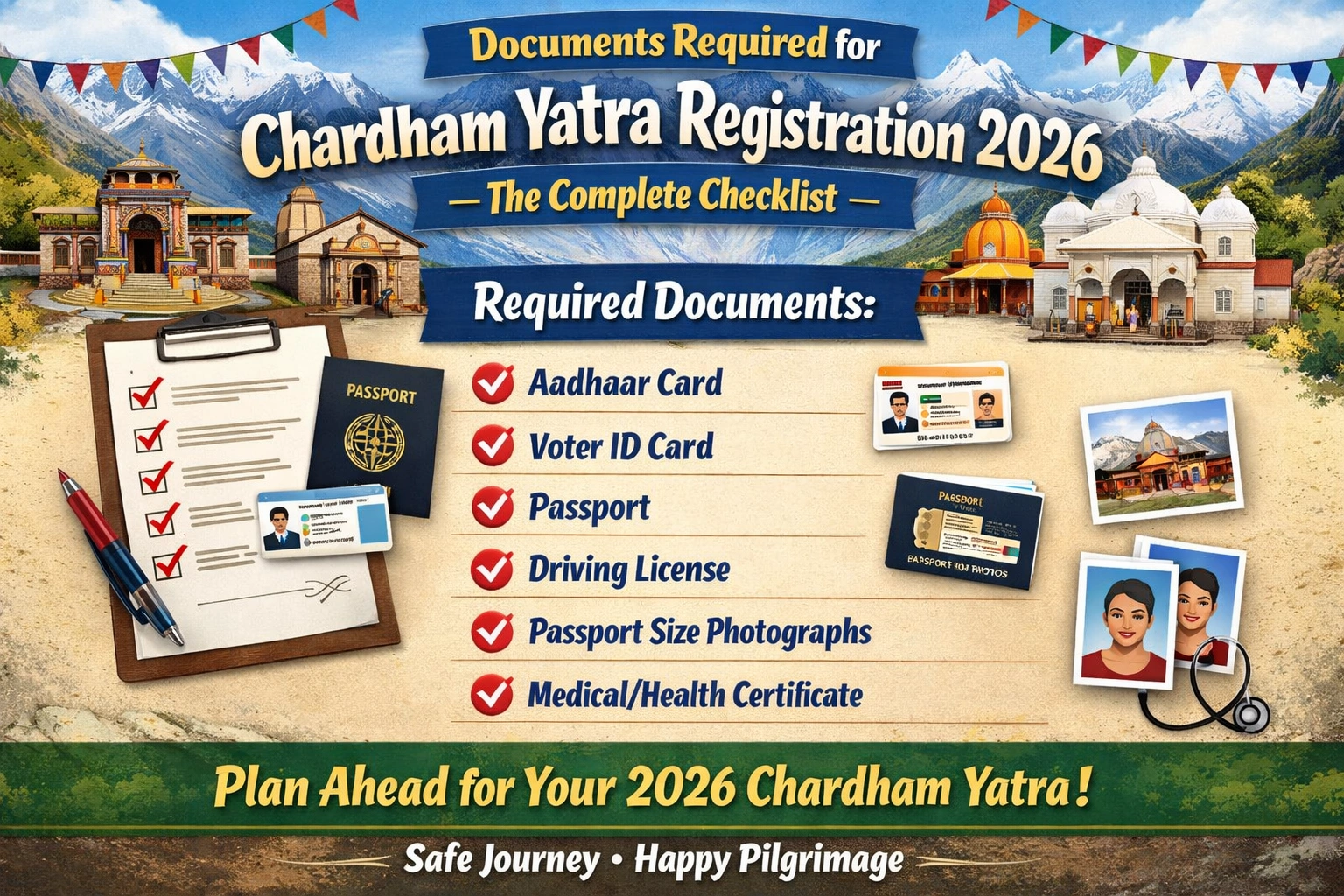
Any one government-issued photo ID (Aadhaar, Voter ID, PAN, Passport, or Driving Licence)2. Active mobile number for OTP verification3. Active email address4. Digital copy of ID in JPG or PNG format, 10 KB–150 KB (for online registration)5. Vehicle Green Card from greencard.uk.gov.in (if driving own vehicle — separate process)6. Basic medical fitness check (strongly advised, especially for age 60+)
Every year, thousands of pilgrims reach the Sonprayag checkpoint or the Yamunotri entry gate only to discover a problem with their registration — a name mismatch, an oversized ID file that never uploaded correctly, or a missing vehicle permit. The registration itself took ten minutes. The problem took years of planning to walk back from.
The Chardham Yatra registration for 2026 does not require an elaborate dossier. The document list is short and the process is straightforward. But each requirement has specific rules — file formats, size limits, name-matching standards, and separate processes for vehicle permits — that catch pilgrims who skim the instructions and move too quickly.
This page gives you the complete, accurate document checklist for Chardham Yatra registration 2026, with the specific details that the official portal summary tends to leave out.
Complete Document Checklist — Chardham Yatra Registration 2026
|
Document / Requirement |
What’s Accepted |
Important Rules |
|---|---|---|
|
Government Photo ID (Mandatory for every pilgrim) |
Aadhaar Card Voter ID (EPIC) PAN Card Passport Driving Licence |
Any one is sufficient. Name must match registration EXACTLY. Expired documents are not accepted. |
|
Mobile Number (Mandatory) |
Any active Indian mobile number NRI: international number accepted |
Used for OTP verification. Must remain active throughout yatra. Same number used for all future login. |
|
Email Address (Mandatory for online registration) |
Any active email address |
Yatra parchi download link sent here. Keep access to this email through your trip. |
|
Digital ID Upload (Online registration only) |
JPG or PNG format only File size: 10 KB to 150 KB |
PDF, HEIC, and WebP formats are NOT accepted. Files above 150 KB silently fail — compress before uploading. One file per pilgrim. |
|
Vehicle Green Card (If driving own vehicle) |
Apply separately at greencard.uk.gov.in Required for private and commercial vehicles |
Separate from pilgrim registration. Without Green Card, vehicle turned back at state border checkpoints. |
|
Medical Fitness (Strongly advised) |
No certificate required for registration. Health check kiosks at Sitapur, Sonprayag, and Gaurikund. |
Mandatory advisory for age 60+ and cardiac patients. Kiosks test BP, O2 saturation, pulse. Pilgrims found unfit may be advised to return. |
ID Proof — The Most Important Document, and the Most Common Error Source
Your government-issued ID is the foundation of your Chardham registration. Every detail on your registration — your name above all — is verified against this ID at every shrine checkpoint. The QR scanner at Sonprayag, Hina, Barkot, and Pandukeshwar cross-references your registration record against the ID you present on arrival. A mismatch is grounds for rejection, regardless of how far you have travelled to reach that point.
Five ID types are accepted. Any single one is sufficient — you do not need to carry all five.
|
ID Type |
Online Portal |
WhatsApp / Call |
Offline Counter |
Foreign Nationals |
|---|---|---|---|---|
|
Aadhaar Card |
✅ Accepted |
✅ Accepted |
✅ Accepted |
N/A (India only) |
|
Voter ID (EPIC) |
✅ Accepted |
✅ Accepted |
✅ Accepted |
N/A (India only) |
|
PAN Card |
✅ Accepted |
✅ Accepted |
✅ Accepted |
N/A (India only) |
|
Driving Licence |
✅ Accepted |
✅ Accepted |
✅ Accepted |
N/A (India only) |
|
Passport |
✅ Accepted |
✅ Accepted |
✅ Accepted |
✅ Required |
|
Aadhar + Passport |
N/A |
N/A |
N/A |
Passport only needed |
The Name-Matching Rule — Read This Before You Register
Your registration name must match your ID character by character. This is not a suggestion — it is a hard requirement enforced at checkpoints by QR code scanner staff who are trained to flag discrepancies.
Common errors to avoid:
- ‘Ram Kumar’ registered instead of ‘Ram Kumar Sharma’ — surname omitted.
- ‘R. K. Sharma’ registered instead of ‘Ram Kumar Sharma’ — initials used instead of full first name.
- ‘Priya Devi’ registered instead of ‘Priya Kumari Devi’ — middle name omitted.
- Name entered in Hindi script on the portal but ID is in English — use the same script as your ID.
If you spot a name error after registering, log back into the portal at registrationandtouristcare.uk.gov.in and update your registration before your travel date. Do not assume the checkpoint staff will overlook a discrepancy.
Digital ID Upload — Exact Specifications for Online Registration
Online registration at the official portal requires you to upload a digital copy of your ID. This step has stricter technical requirements than most pilgrims expect, and it is the source of the most common silent registration failure.
Accepted Formats
- JPG / JPEG — most phone camera photos save in this format by default.
- PNG — accepted and works well for scanned documents.
- PDF is NOT accepted. If you have a PDF scan of your Aadhaar, convert it to JPG before uploading.
- HEIC (iPhone default format) is NOT accepted. iPhone users must convert to JPG before uploading — this can be done in the phone’s settings or via any free converter app.
- WebP is NOT accepted.
Accepted File Size
File size must be between 10 KB and 150 KB. Files outside this range will not upload correctly.
- Most phone camera photos are 2 MB to 5 MB — far too large. You must compress the image before uploading.
- Compress using any free online tool (such as ilovepdf.com or compressjpeg.com) or your phone’s built-in image editor by reducing resolution.
- A photo of your Aadhaar card taken in good lighting and compressed to 80–120 KB is the easiest approach.
- The portal does not display an error message when a file is too large — the upload appears to complete, but the registration is not submitted correctly. Always verify that the confirmation screen shows your document preview after uploading.
💡 Prepare Your Upload the Night Before 6 March
Open your Aadhaar photo on your phone. If it is larger than 150 KB, compress it now and save the compressed version separately. Name it clearly (e.g. ‘aadhaar_compressed.jpg’) so you find it instantly on registration day. Do this for every pilgrim in your group — one compressed file per person.
Vehicle Green Card — A Separate Process Most Pilgrims Overlook
If you are driving your own private vehicle or a commercial vehicle to any of the four dhams, you need a Green Card in addition to your pilgrim registration. These are two completely separate processes managed by two different government departments.
Green Card portal: greencard.uk.gov.in (Uttarakhand Transport Department)
Who needs it: All private and commercial vehicle owners travelling on Chardham Yatra routes.
Who does NOT need it: Pilgrims travelling by bus, shared taxi, or on foot. Only the vehicle owner or operator needs the Green Card.
Vehicles without a Green Card are turned back at state transport checkpoints on the approach roads — independent of whether the pilgrims inside hold valid yatra registrations. The Green Card is a vehicle-level permit; the yatra registration is a person-level permit. Both are required simultaneously for a self-driven Chardham trip.
Apply for the Green Card as soon as the portal opens alongside your pilgrim registration. Both processes open at similar times in March.
Special Categories — Children, Senior Citizens, and Foreign Nationals
Children (Under 18)
Every pilgrim requires individual registration regardless of age. There are no family group registrations or exemptions for minors. A family of four — two parents and two children — needs four separate QR codes and four separate ID uploads.
Under 5 years: Registration is not required, but children must be declared in the group count on the lead pilgrim’s registration form.
Age 5 to 17: Individual registration required. Accepted ID includes Aadhaar (if issued), school ID, or birth certificate at offline counters. Online registration for minors without Aadhaar is most easily completed at an offline counter with the child present.
Senior Citizens (Age 60 and Above)
Senior citizens follow the same document process as all other pilgrims — one government ID, mobile number, email, and digital upload. There are no senior-specific registration forms or priority lanes in the online system.
However, senior citizens face an additional practical layer: the health fitness kiosks at Sitapur, Sonprayag, and Gaurikund. These kiosks test blood pressure, oxygen saturation, and pulse. Pilgrims found to have uncontrolled hypertension or very low oxygen saturation (below 85% at Sonprayag altitude) may be advised to return. This is not a document requirement for registration — but it is a reality of the trek that seniors should prepare for with a pre-trip medical check at home before 6 March.
Foreign Nationals and NRIs
Foreign nationals — including Persons of Indian Origin (PIO) and Overseas Citizens of India (OCI) — may complete Chardham Yatra registration using a valid passport as their ID proof. Indian-issued Aadhaar or Voter ID is not required.
- OCI cardholders may register using either their OCI card or their foreign passport — both are accepted.
- NRIs with an active Indian Aadhaar or Voter ID may use those documents instead of a passport if they prefer.
- Foreign national pilgrims can register online, via WhatsApp (using an international number), or at the Haridwar and Rishikesh offline counters, where English-speaking staff are available during yatra season.
Pre-Trip Document Checklist — Print and Pack
Use this checklist before leaving home. Carry every item in both digital form (on your phone) and physical form (printed).
- Printed Chardham Yatra registration letter with QR code — one per pilgrim.
- Original government photo ID — the same one used during registration.
- A photocopy of your ID — in case the original is lost or damaged on the trek.
- Green Card printout — if you are driving your own vehicle.
- Hotel confirmation documents for Sonprayag, Gaurikund, and Badrinath if booked in advance.
- Emergency contact numbers — Tourist Care Uttarakhand helpline, your accommodation, your transport provider.
- Health records — if you have a cardiac condition or high blood pressure, carry a recent ECG and doctor’s letter advising fitness to travel at altitude.
⚠ The One Mistake That Cannot Be Fixed at the Checkpoint
A name mismatch between your registration and your ID cannot be corrected on-site at any Chardham checkpoint. The only fix is to log into the portal before your travel date and correct the name. If you discover a mismatch on the day of your trek, you will need to return to the nearest offline counter (Sonprayag for Kedarnath, Pandukeshwar for Badrinath) and request a correction — a process that can take 2 to 4 hours during peak season.
Prepare Your Documents Before 6 March — Then Register Immediately
The document list for Chardham Yatra registration 2026 is genuinely simple: one government ID, a mobile number, an email address, and a compressed digital photo of your ID. That is it for the registration itself. Vehicle owners add a Green Card application. Pilgrims over sixty add a pre-trip medical check.
The complications arise not from the requirements themselves but from the specific technical rules — the 150 KB file size ceiling, the JPG-or-PNG-only format, the name-matching standard that allows zero deviation. Prepare all of this before 6 March, and your registration on the day the portal opens will take under ten minutes per pilgrim.
For the step-by-step registration walkthrough, Kedarnath-specific checkpoint guidance, opening date confirmations, and complete yatra planning resources, explore kedarnath tourism.
Frequently Asked Questions — Chardham Yatra Registration Documents
Q: Can I use a photocopy of my Aadhaar for registration?
A: For online registration, you upload a digital scan or photo of your Aadhaar — a photocopy photographed on a phone is perfectly acceptable, provided it is clear and the file is between 10 KB and 150 KB. At offline counters, staff may ask to see the original ID or a clear copy. The original ID should always be carried on the yatra itself for checkpoint verification.
Q: What if my Aadhaar card name has a spelling different from my other IDs?
A: Use whichever ID you plan to carry on the yatra and enter the name exactly as it appears on that document. The registration system cross-checks the name you register against the ID you present at the checkpoint — so the registration name and the physical ID you carry must match. Choose one consistent ID for both registration and travel.
Q: My phone camera photo of my Aadhaar is 3 MB. How do I compress it to under 150 KB?
A: Open your browser and go to compressjpeg.com or ilovepdf.com. Upload your photo, set the target size to 100–120 KB, download the compressed version, and use that for your upload. Alternatively, WhatsApp registration (send YATRA to 8394833833) does not require a file upload — it accepts your ID number directly, which removes this step entirely.
Q: Do I need a separate document for each dham?
A: No. One registration with one ID upload covers all the dhams you declare in your travel plan. You present the same QR-coded registration letter at Yamunotri, Gangotri, Kedarnath, and Badrinath. You do not upload separate IDs for each shrine.
Q: Is a medical certificate required to complete the registration?
A: No medical certificate is required to register. Registration has no medical pre-condition. However, health advisory kiosks at Sitapur, Sonprayag, and Gaurikund conduct on-the-spot fitness assessments during the yatra season and may advise high-risk pilgrims to reconsider the high-altitude trek. The medical check is a physical safety measure, not a document requirement for registration.


